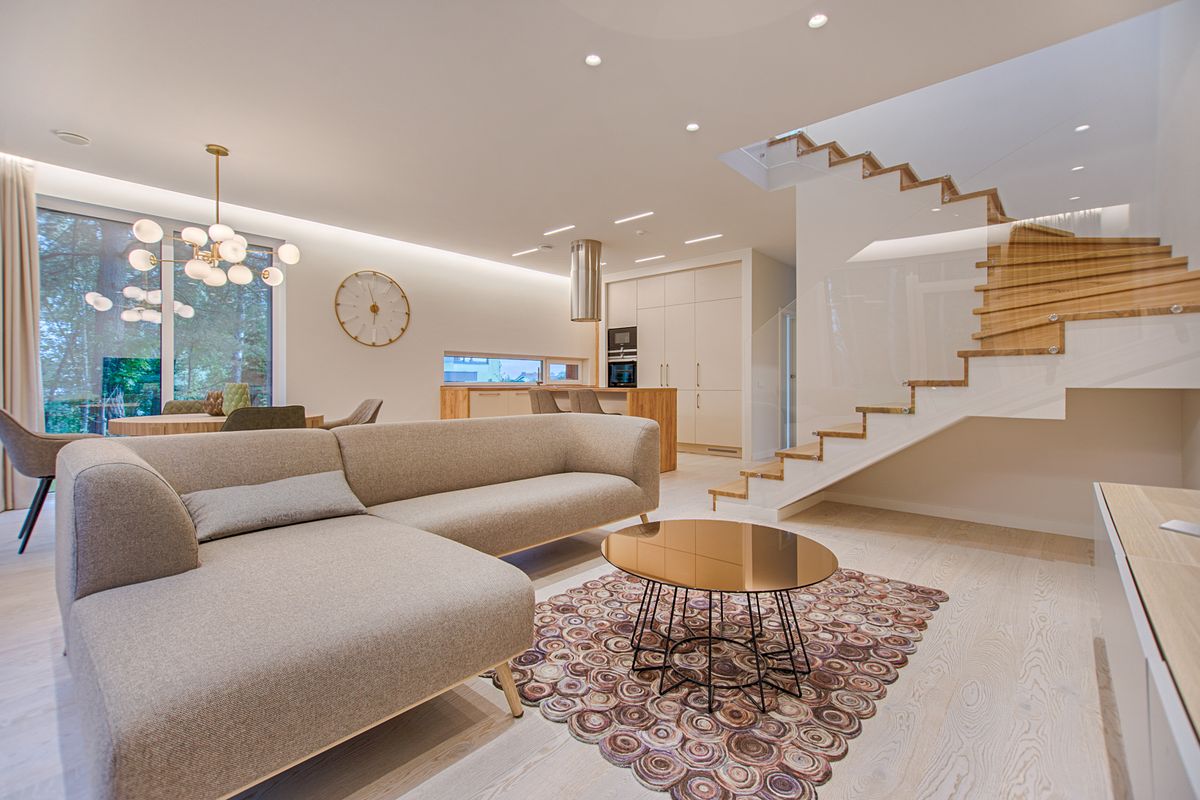
Not long ago, the design process unfolded almost entirely on paper: hand-rendered elevations, swatches pinned to a mood board, and clients squinting to imagine how a sample of linen might look draped across a sofa they hadn't yet purchased. Today, that same conversation increasingly happens on a screen, in real time, with a designer generating a dozen fully rendered iterations of a living room before the client has finished their coffee. Artificial intelligence hasn't replaced the designer's eye — but it has fundamentally changed the pace and precision of the creative process, and the shift is reshaping how design firms operate at every level.
From Mood Boards to Machine Learning
Traditional design workflows relied on a slow accumulation of reference images, hand sketches, and physical material samples. A single concept presentation might take a designer 15 to 20 hours to assemble, and revisions often meant starting significant portions over. AI-powered visualization tools have compressed that timeline dramatically. Designers can now upload a photo of an existing space, input style preferences, and generate photorealistic renderings in minutes rather than days.
This isn't just a convenience — it's a business model shift. Firms that once charged flat fees for a fixed number of concept revisions are now offering more iterative, exploratory design phases, because the marginal cost of generating "one more option" has dropped close to zero. Some boutique studios report cutting concept-development time by 60 to 70 percent, allowing them to take on more clients without expanding headcount.
Where AI Fits Into the Workflow
Interior designers aren't using AI as a single tool but as a layer woven through several stages of a project:
- Concept generation: Style transfer and generative rendering tools let designers show a client the same room reimagined in five distinct aesthetics — Japandi, modern farmhouse, mid-century, and beyond — within a single meeting.
- Space planning: AI-assisted layout software can analyze a floor plan and suggest furniture placements optimized for traffic flow, natural light, and code compliance, a process that used to require multiple manual drafts.
- Material and color matching: Algorithms trained on thousands of finished interiors can recommend palettes and material pairings based on a client's existing furniture or architectural details.
- Client communication: Rather than describing a design decision, designers send visual mockups instantly, reducing the back-and-forth that historically stretched timelines by weeks.
- Budget forecasting: Some platforms now cross-reference material selections with regional pricing databases, giving clients a rough cost range before a single order is placed.
What This Means for Homeowners
For homeowners, the accessibility of these tools is arguably the bigger story. Platforms like AI room design tools like RemodelAI allow anyone to upload a photo of their kitchen or bedroom and receive multiple styled renderings in minutes, effectively giving non-professionals a taste of what used to be an expensive, designer-only service. A single in-person design consultation can run $150 to $300 per hour in many metro markets; an AI-generated visualization session, by comparison, often costs a small fraction of that, or is bundled into a broader design app subscription.
That doesn't mean the software replaces professional judgment. AI renderings are excellent at showing possibility — a wall removed, a paint color changed, a different flooring material — but they don't account for structural realities like load-bearing walls, plumbing lines, or electrical constraints. Homeowners should treat AI-generated concepts as a starting point for a conversation with a contractor or designer, not a final blueprint.
Practical Advice for Homeowners Considering AI Tools
- Use AI renderings early in the process to narrow down style direction before committing to a designer, saving billable hours during the exploratory phase.
- Bring AI-generated images to your first contractor meeting — visual references reduce miscommunication and can shave meaningful time off the bidding process.
- Don't skip a professional walkthrough. AI tools can't measure your actual square footage or flag a load-bearing wall, so pair digital concepts with an in-person or virtual consultation before demolition begins.
- Ask your designer directly whether they use AI in their workflow — many now do, and it can translate to faster turnaround and more revision rounds within the same fee structure.
- Set a realistic budget range before generating renderings; it's easy to fall in love with a marble backsplash or custom millwork that AI can render beautifully but that may cost 3 to 5 times more than a comparable alternative.
The Human Element Still Leads
Despite the speed and polish AI brings to the table, the designers embracing it most successfully describe it as an accelerant, not a replacement. Understanding a client's lifestyle, negotiating with tradespeople, and making the countless small judgment calls that separate a good renovation from a great one still require human expertise. What AI has done is clear away the tedious, repetitive parts of the process — endless manual renderings, redundant revisions, slow material research — freeing designers to spend more time on the strategic and relational work that actually defines their craft.
As these tools continue to mature, the line between professional design software and consumer-friendly apps will likely blur further, giving homeowners more agency earlier in their renovation journey. The firms and homeowners who benefit most won't be the ones who treat AI as a shortcut to finished results, but those who use it as a faster, smarter way to explore possibilities before the real work of building begins.